
Shopping Cart


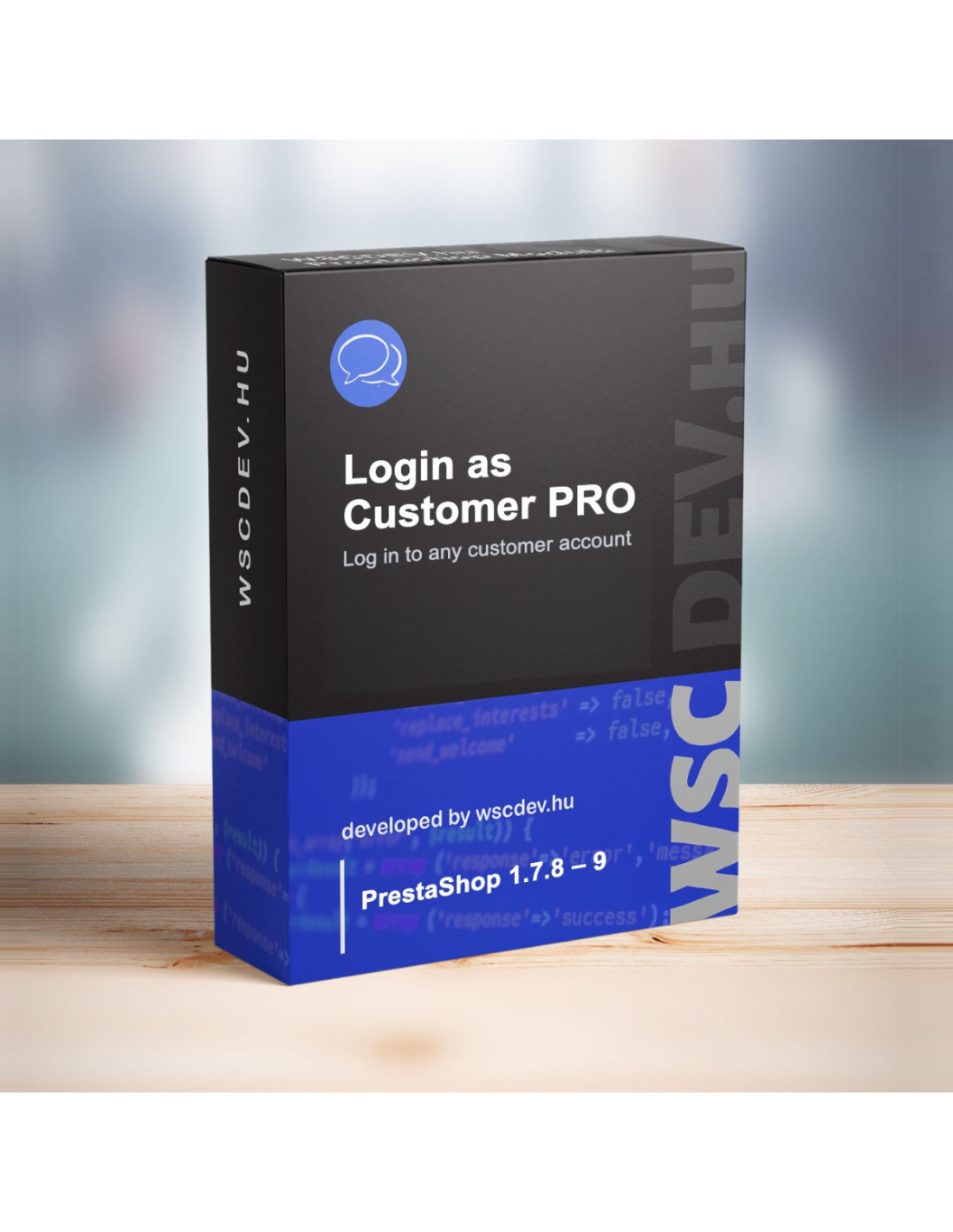
What your customer sees, you need to see too.
“I can't place my order.” “My coupon doesn't show up.” “Where is my invoice?” At that point you either guess, ask for the customer's password – which you should never do – or reset it, and then they can't log in. None of these is good.
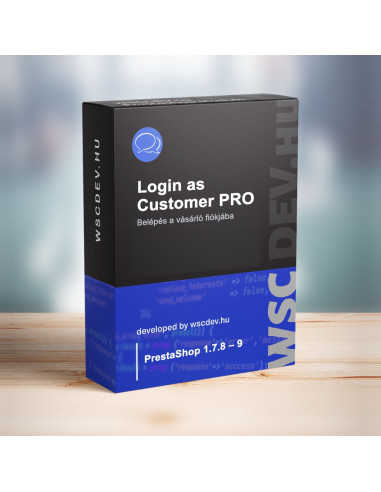
With Login as Customer Pro you are in the customer's account in one click, you see exactly what they see, and nothing is put at risk.
Why it pays off
🧭 Right where you already work
The login button appears on the customer page, the edit page, every row of the customer list, next to the customer's name on the order page, in the expandable details of the order list, on customer service messages and in the header quick search. Each one can be switched on or off, so it only shows where you need it.
🎯 Straight to the right page
No hunting from the home page: choose whether the customer's account, orders, personal details, addresses, cart or the home page opens.
🔐 Security that is more than a promise
The login link is single-use and valid for 60 seconds by default. The token is a random 256-bit value, and only its hash is stored in the database. It can only be redeemed in the store it was issued for, and it can only be requested from a logged-in back office session, with no public endpoint.
🛒 Carts never get mixed up
On login, the browser's previous store session is closed, so another customer's or a guest's cart cannot end up with the selected customer.
🚦 You always know where you are
While you are logged in as the customer, a warning bar shows in the store with a log out button. It does not allow logging in to inactive, deleted or guest accounts.
📋 Every login can be traced
The log records who logged in as whom, when, from where and from which IP address, and whether it succeeded. Old entries are removed automatically after the retention period you set.
👥 You decide who can use it
The SuperAdmin always can; other employee profiles only if you enable them in the settings (and they also have read access to customers).
🏬 The right store in a multistore setup
The login goes to the customer's store – for an order, the order's store. In a shop group with shared customers the store can be chosen, but only one the employee has access to.
How is it different from the old solution?
| Login as Customer Pro | The old module it replaces | |
|---|---|---|
| Login link validity | ✅ Single-use, 60 seconds | Valid all day |
| Link predictability | ✅ Random 256-bit token | Predictable |
💡 When don't you need it?
If you run the store alone and almost never need to see it through a customer's eyes, a password reset will do. Login as Customer Pro is for stores with regular customer service and several team members handling customers.
⚙️ Technical details
- PrestaShop 1.7.6 and later
- Multistore support
- No overrides, PrestaShop hooks only
- Hungarian and English interface
Set it up once, and from then on you are one click away from your customer's view. Questions? Write to us.