Shopping Cart






EU VAT Number Validation (VIES) for...
29,990 HUF


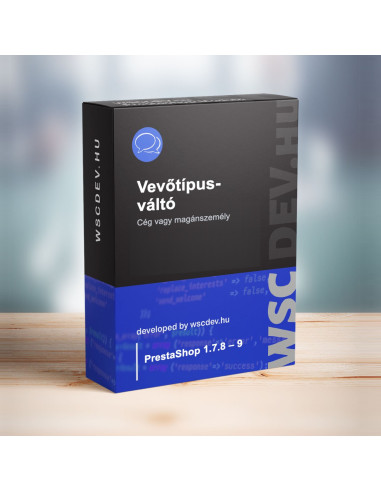
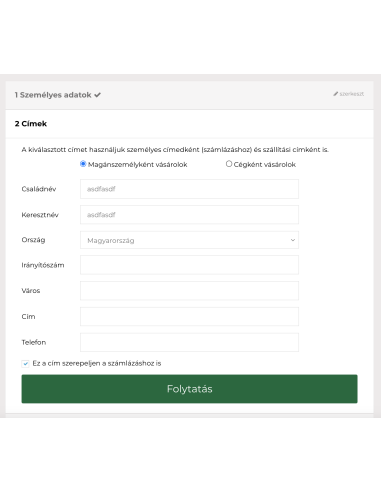
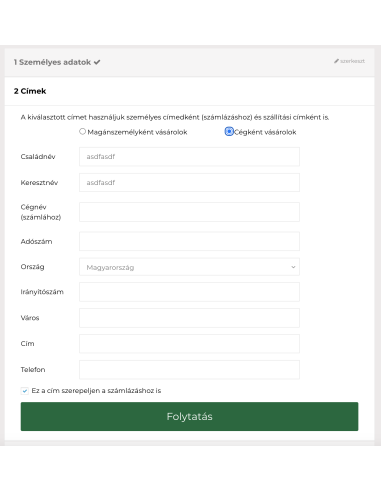
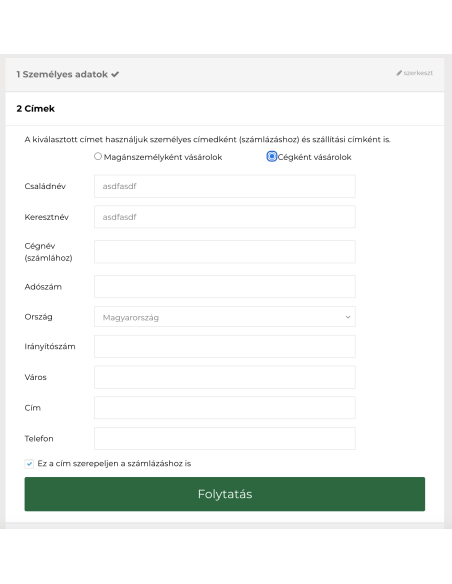
Individual or business? The customer chooses, and the checkout automatically adapts.
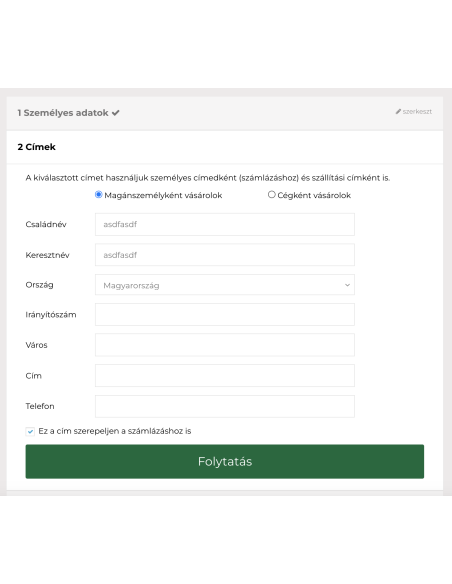
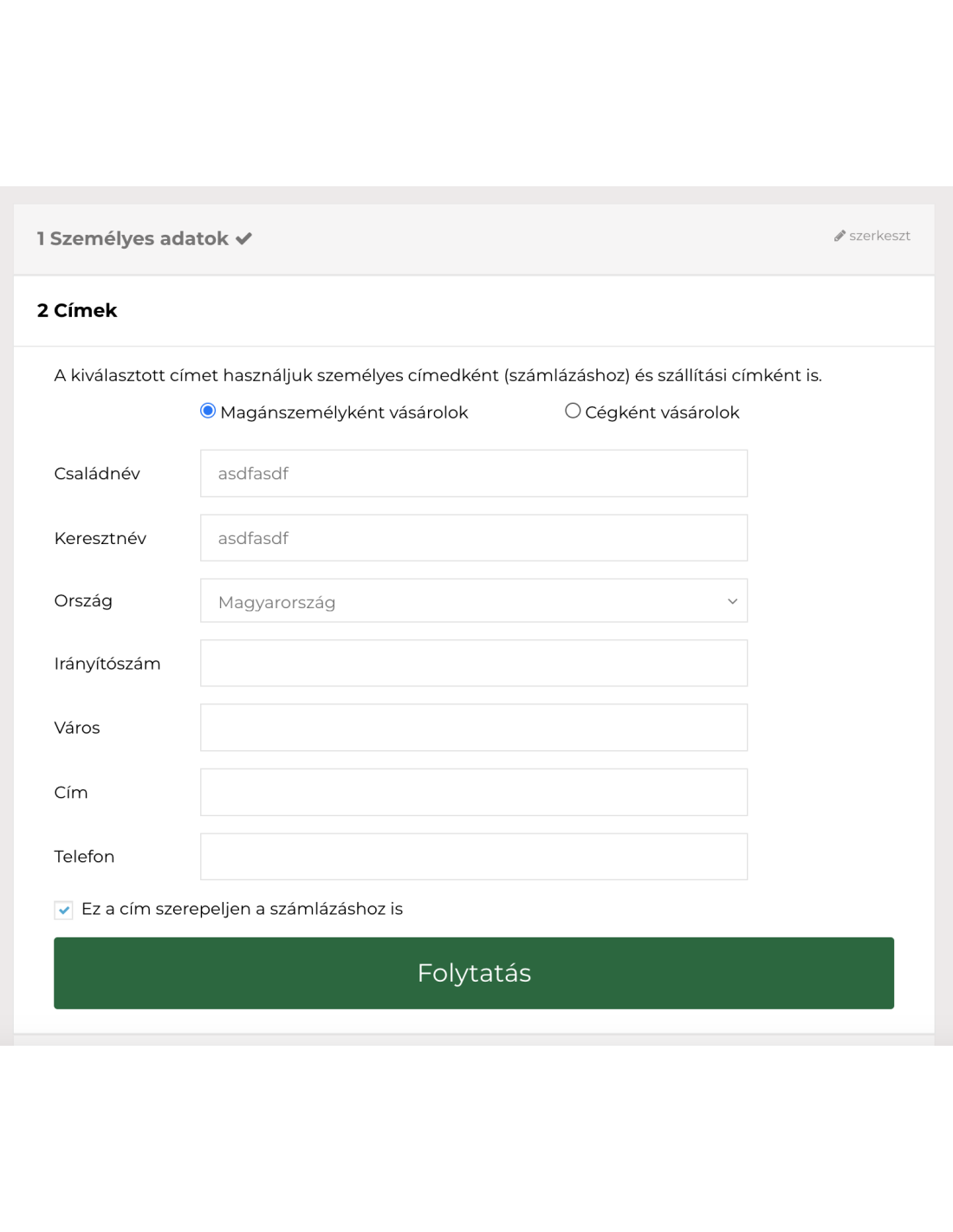
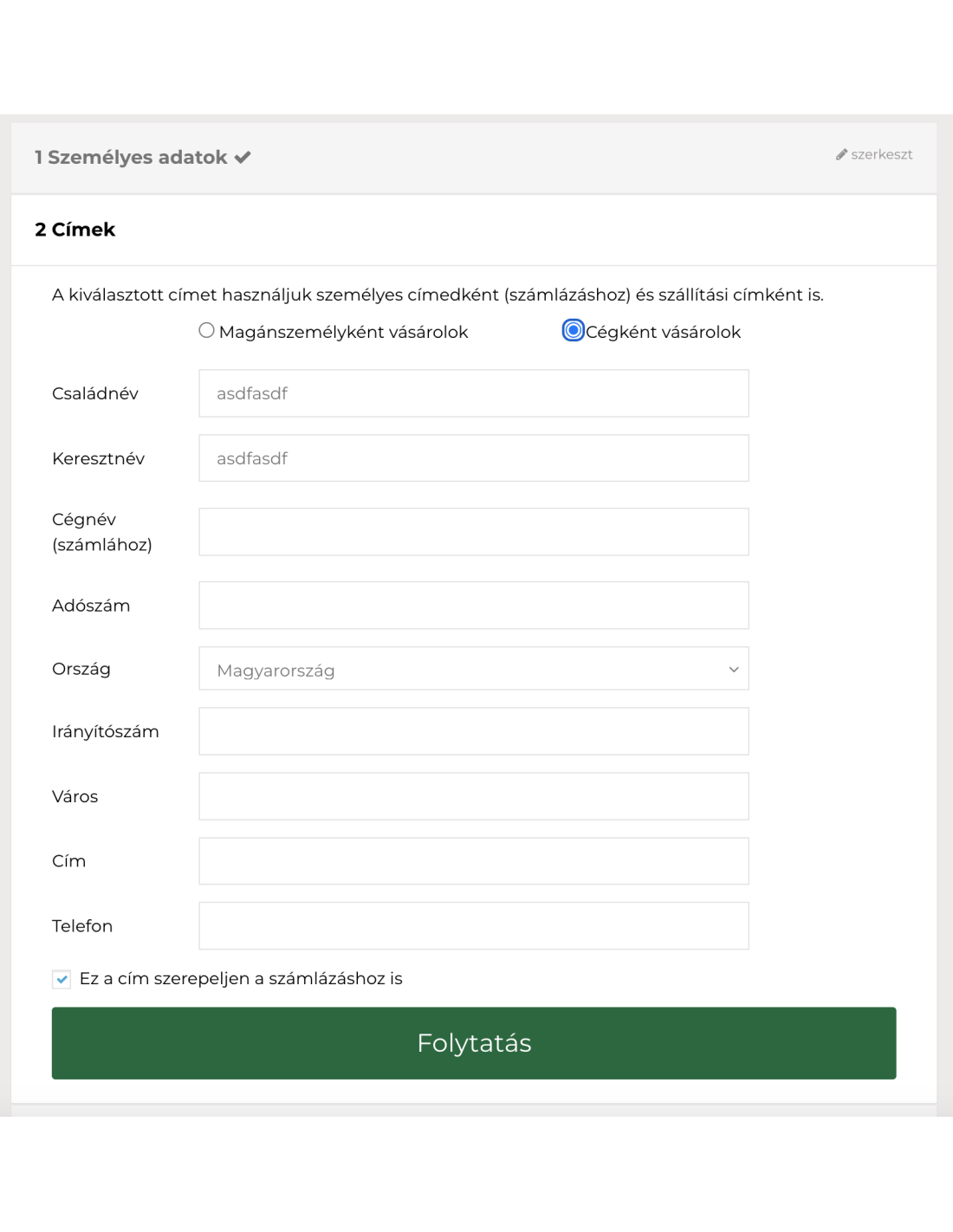
The Customer Type Switch Module adds a clear customer-type selector to your checkout. It hides the unnecessary tax-number field for private customers and displays it when a business is placing the order.
PrestaShop 1.7.8+, 8.x and 9.x • One year of updates and support included
The licence is tied to this shop. The domain is enough, no https:// needed. One purchase is for one shop - place a separate order for your other shop.
We install the module in your shop and switch it on. We ask for access by e-mail after the purchase.
You might also like
If your online store serves both private individuals and businesses, the same billing form is not always suitable for everyone. Private customers do not need a tax-number field, while business customers must be able to provide the information required for business invoicing.
The PrestaShop Customer Type Switch Module clearly asks customers whether they are ordering as a private individual or as a business. Based on their selection, it automatically displays or hides the tax-number field.
Each customer sees only the fields relevant to their purchase, while your store receives clearer and more consistent billing information.
The Customer Type Switch Module is a complete standalone solution when you want private individuals and businesses to see different billing fields during checkout.
Important: this module manages the customer-type selection and the visibility of the tax-number field. On its own, it does not validate whether the entered tax or VAT number is valid.
If you also want to validate the tax number entered by a business customer, combine this module with the separately available PrestaShop NAV and EU VAT Number Validator Module.
The two modules handle two separate tasks: the Customer Type Switch Module identifies who is purchasing, while the Tax Number Validator checks whether the supplied Hungarian or EU VAT number is valid.
Each licence is valid for one online store. The purchase includes one year of updates and support. Updates and support can subsequently be renewed automatically or manually.
Our modules are developed and supported by the WebStart Consulting team. Nearly 30 of our modules run in more than 20 live online stores – you buy directly from the developers, not from an anonymous marketplace.
If the module does not work properly in your store within 30 days of purchase, we fix it. If it cannot be fixed, we refund the price.
We reply to e-mails within 2 business days. In urgent cases – a system outage or an error that blocks your business – you can also call us, Monday to Friday, 8:00–20:00 CET.
We add new features and keep our modules compatible with new PrestaShop versions. One year of updates and support is included, and you can cancel the renewal at any time.
Prefer not to do it yourself? We install and configure the module in your store for a fixed price.
Tell us what you need. We will look at how to solve it: in a future version or as custom development.
The licence is tied to one online store, your domain. Clear and transparent terms.
Questions before you buy? We will check with you whether the module fits your store.
Contact usYou might also like